- Flipped.ai Newsletter
- Posts
- Your AI Assistant Just Got Closer to Home
Your AI Assistant Just Got Closer to Home
Claude Desktop turns your AI assistant into a native app, because the best tools are the ones you actually use.


Shruti Singh & Arjuna Sathiaseelan
November 04, 2025
In partnership with


Transform your hiring with Flipped.ai – the hiring Co-Pilot that's 100X faster. Automate hiring, from job posts to candidate matches, using our Generative AI platform. Get your free Hiring Co-Pilot.
Dear Reader, 👋
What if you could drop a messy spreadsheet into a conversation and ask, "What are the top three insights here?" and get an instant, detailed answer complete with visualizations and a clean summary deck, all without switching apps?
Flipped.ai's weekly newsletter reaches over 75,000 professionals, innovators, and decision-makers worldwide.
This week, we're exploring Claude Desktop, a tool that doesn't just live in your browser; it lives on your desktop. With drag-and-drop file handling, instant screenshot analysis, and the ability to create presentations and spreadsheets right inside the app, Claude Desktop is transforming how professionals work with AI.
The era of juggling browser tabs and copying between tools is over. This technology doesn't just assist you; it integrates seamlessly into your workflow, eliminates friction, and gets out of your way.
Before we dive in, a quick thank you to our sponsor, Roku.
Find your customers on Roku this Black Friday

As with any digital ad campaign, the important thing is to reach streaming audiences who will convert. To that end, Roku’s self-service Ads Manager stands ready with powerful segmentation and targeting options. After all, you know your customers, and we know our streaming audience.
Worried it’s too late to spin up new Black Friday creative? With Roku Ads Manager, you can easily import and augment existing creative assets from your social channels. We also have AI-assisted upscaling, so every ad is primed for CTV.
Once you’ve done this, then you can easily set up A/B tests to flight different creative variants and Black Friday offers. If you’re a Shopify brand, you can even run shoppable ads directly on-screen so viewers can purchase with just a click of their Roku remote.
Bonus: we’re gifting you $5K in ad credits when you spend your first $5K on Roku Ads Manager. Just sign up and use code GET5K. Terms apply.
Remember when AI tools lived only in browser tabs you'd constantly lose track of? Those days are over.
Claude Desktop is here, and it's changing how we work with AI—not by doing more, but by being right there when you need it.
Why this matters for you
Think about your typical workday. You're juggling spreadsheets, documents, presentations, and a dozen browser tabs. Now imagine having Claude—your AI research assistant, writing partner, and data analyst living right on your desktop, just a keyboard shortcut away.
No more tab-hunting. No more copy-pasting between windows. Just seamless help, exactly when you need it.
What makes Claude Desktop different?
It Meets You Where You Work
The magic isn't in fancy features—it's in how naturally it fits into your flow:
Drag and drop any file straight into your conversation. That CSV you've been dreading? Drop it in. Claude will help you make sense of it.
Paste screenshots instantly from your clipboard. Found a bug? Spotted an interesting chart? Just paste and discuss.
Keep your projects organized just like on the web, but faster. Each project becomes its own focused workspace.
It Creates and Edits Files for You
Here's where things get interesting. Need a quick presentation? A cleaned-up spreadsheet? Ask Claude to create it right inside the app. It runs in a secure sandbox, so your data stays safe while Claude does the heavy lifting.
No more switching between tools. No more manual formatting. Just describe what you need, and Claude builds it.
For the developers and power users
If you're technical, you'll love Desktop Extensions. These let you connect Claude to local tools on your machine through something called MCP (Model Context Protocol).
Translation? You can give Claude superpowers tailored to your workflow—file system access, development utilities, custom integrations—all without touching config files. It's plug-and-play customization.
Getting started is simple
Download the app for Mac or Windows (it's free)
Install and sign in with your Anthropic account
Set a keyboard shortcut that works for you
Start a conversation
That's it. No complex setup. No learning curve.
What about your plan?
The app itself is free to download. Your existing Claude plan (Free, Pro, or Team) determines what features you can access. If you're already using Claude on the web, you're good to go.
For teams, there are enterprise deployment options with update controls and extension policies—perfect if your IT team likes to test things before rolling them out.
A real-world example
Let's say you're prepping for a Monday meeting. You have:
A messy data export (CSV)
Screenshots of competitor features
Notes scattered across three documents
With Claude Desktop:
Drop the CSV in and ask for a summary
Paste your screenshots and get a competitive analysis
Pull all your notes together into talking points
Have Claude create a 5-slide deck
All in one place. All in about 10 minutes.
Should you switch from the web app?
You don't have to choose. Use Desktop when you're deep in work and want speed. Use the web when you're sharing with teammates or working from a different device.
They sync seamlessly, so your conversations follow you wherever you need them.
The bottom line
Claude Desktop isn't about adding more tools to your stack. It's about removing friction from the ones you already use.
It's about having AI assistance that feels less like "opening another app" and more like "reaching for a trusted teammate."
And in 2025, when every minute counts and context-switching kills productivity, that difference matters more than you might think.
Ready to try it?
Head to claude.ai/download and grab the installer for your system. Takes 2 minutes to set up, and you'll wonder why you didn't do it sooner.
Got questions? Hit reply—we'd love to hear how you're planning to use it.
Until next time,
The Flipped.ai Team
Before you go, a quick thank you to our secondary sponsor, Neurons.
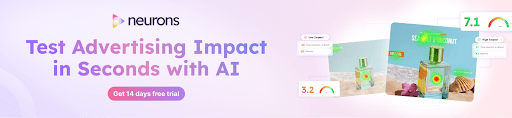
Make Every Platform Work for Your Ads
Marketers waste millions on bad creatives.
You don’t have to.
Neurons AI predicts effectiveness in seconds.
Not days. Not weeks.
Test for recall, attention, impact, and more; before a dollar gets spent.
Brands like Google, Facebook, and Coca-Cola already trust it. Neurons clients saw results like +73% CTR, 2x CVR, and +20% brand awareness.
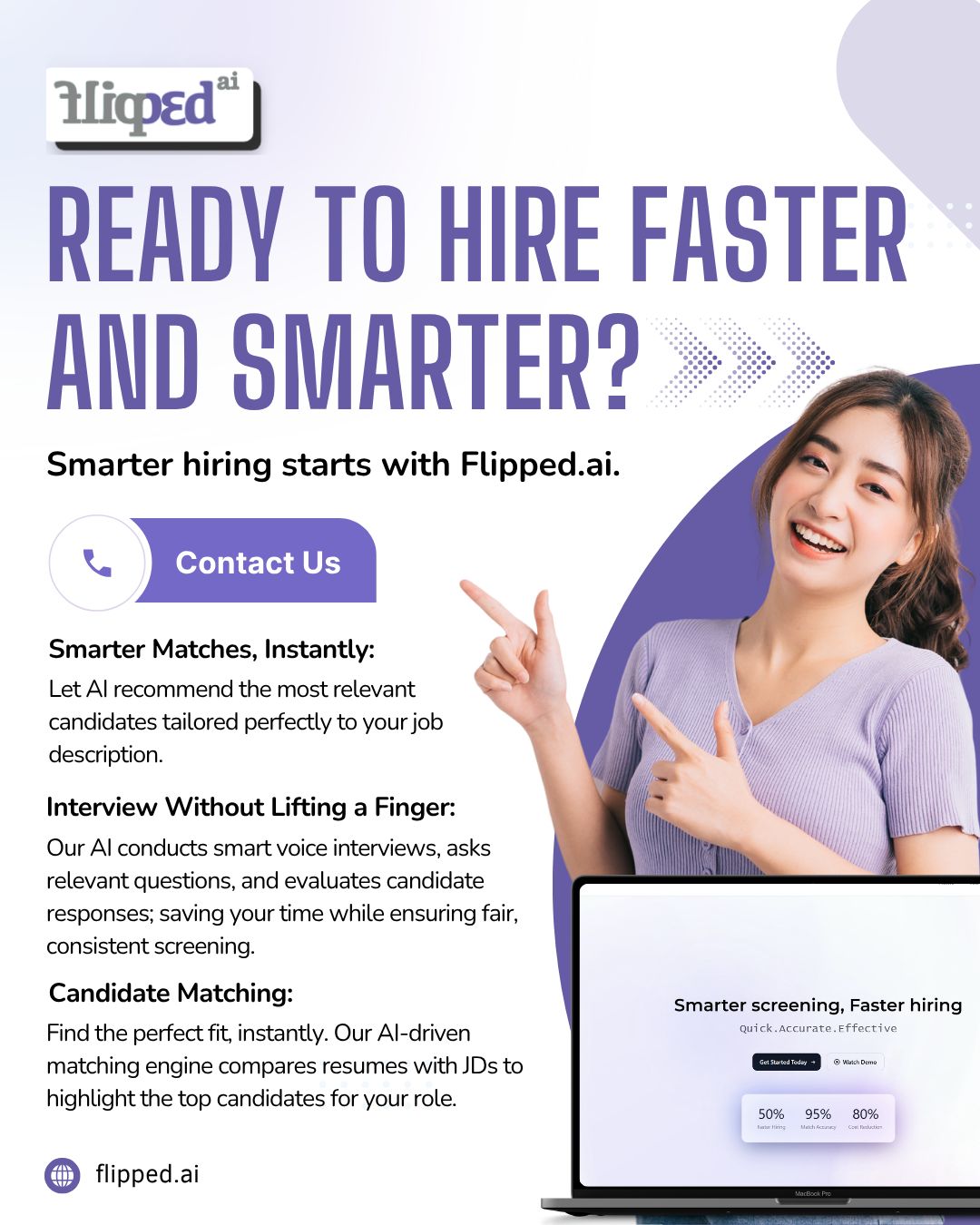
Meet Flipped.ai, your AI hiring co-pilot. Get instant candidate matches, automated interviews, and faster, smarter hiring from start to finish.
Want to get your product in front of 75,000+ professionals, entrepreneurs, decision-makers, and investors around the world? 🚀
If you are interested in sponsoring, contact us at [email protected].
Thank you for being part of our community, and we look forward to continuing this journey of growth and innovation together!
Stay curious,
Team Flipped.ai